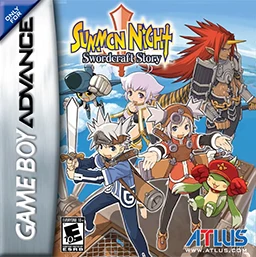
Summon Night – Swordcraft...
Forge your own destiny in a world where magic and machine...

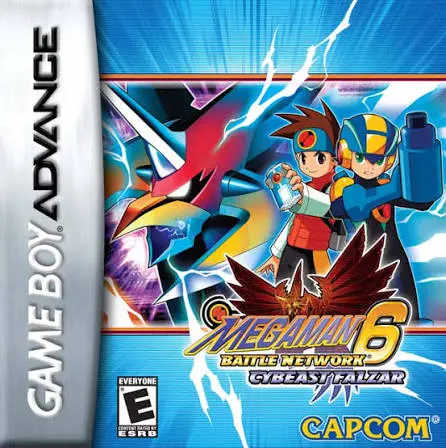
Mega Man Battle Network 6: Cybeast Falzar is a tactical action-RPG developed by Capcom Production Studio 2 and published by Capcom. Released as a companion version to Cybeast Gregar, this version immerses players in a new setting where Lan has transferred to a tech-focused school in Cyber City, complete with new classmates, NetNavi operators, and environmental hazards.
The core gameplay refines the signature real-time grid combat system, where players maneuver across a 3x3 combat grid and deploy custom Battle Chips from a folder deck to execute devastating attacks. A defining mechanic of this entry is the Cybeast system: MegaMan is infected by the bird-like beast Falzar, granting access to the high-risk, high-reward Beast Out transformation (which boosts speed and grants rapid-fire air attacks) and the unique Cross System (inheriting abilities from operator Navis like TenguMan, GroundMan, DustMan, TomahawkMan, and ChargeMan). Featuring refined mechanics, competitive net-battle support, and a definitive emotional send-off, it stands as a mechanical peak for the GBA era.
Developer: Capcom Production Studio 2
Publisher: Capcom
Platform: Game Boy Advance (GBA)
Release Date: June 2006 (North America) / November 2005 (Japan)
Genre: Action Role-Playing Game / Tactical Turn-Based Strategy
Player(s): Single-player / Multiplayer (1–2 players via Link Cable or Wireless Adapter)
ESRB Rating: Everyone
The Epic Series Finale: Experience the final canonical chapter of the main Mega Man Battle Network storyline, bringing closure to Lan and MegaMan's adventures.
Beast Out Transformation: Unleash the untamed power of the bird Cybeast Falzar to drastically increase your speed, float over panels, and execute rapid-fire multi-hit combos.
Falzar-Exclusive Cross System: Combine MegaMan's core programming with operator Navis unique to the Falzar version—including TenguMan, GroundMan, DustMan, TomahawkMan, and ChargeMan—to gain elemental affinities and tactical advantages.
Customizable Folder Combat: Build and strategize around a deck of powerful Battle Chips, program Customizer blocks, and execute powerful Program Advances.
Expanded Net-Battling: Challenge friends to head-to-head duels using link cables or wireless adapters to prove who is the ultimate net-battler.
While both versions share the same overarching story, Falzar features a bird-like Cybeast theme compared to Gregar's wolf motif. More importantly, each version grants access to completely different Cross transformations (e.g., TenguMan, TomahawkMan, and GroundMan in Falzar versus SpoutMan, TomahawkMan equivalents, etc. in Gregar) and distinct Beast Out attributes.
It was developed by Capcom Production Studio 2 and published globally by Capcom in 2005 and 2006.
Beast Out allows MegaMan to tap into the power of the Cybeast for a limited number of turns per battle, granting massive stat boosts and unique special abilities, though overusing it risks throwing MegaMan into a vulnerable "Chaos" or "Bugged" state.
Yes, Battle Network 6 marks the final core installment of the franchise, wrapping up the classic timeline with an epilogue detailing the future lives of Lan and his friends.
Click the links below to go to the cloud drive download page
⚠️ Download Tips:
Forge your own destiny in a world where magic and machine...
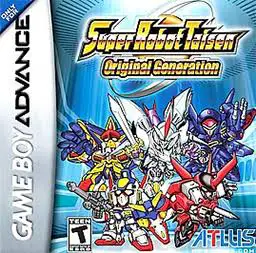
Lead an elite squad of futuristic mecha pilots into tacti...
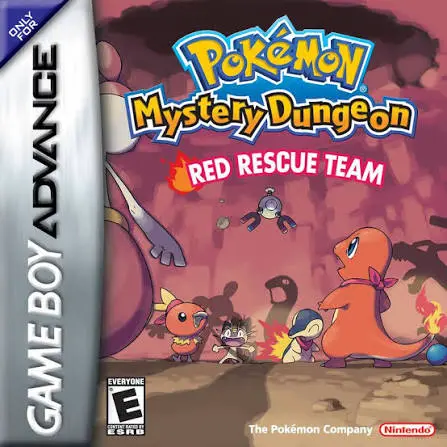
Wake up to a world where humans have vanished and you hav...
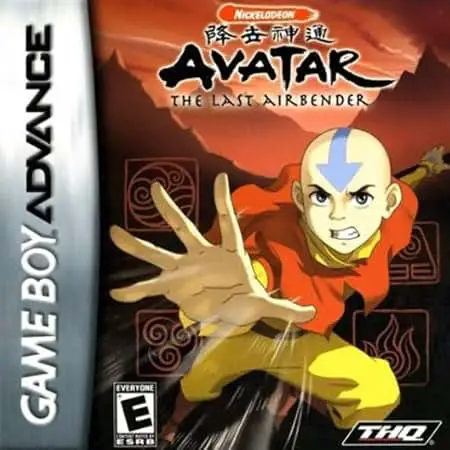
Avatar: The Last Airbender brings Nickelodeon's acclaimed...
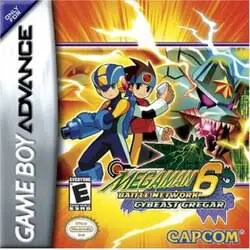
Plug into the ferocious concluding half of Capcom's accla...