
Major League Baseball 2K7
Major League Baseball 2K7 (MLB 2K7) is an officially lice...

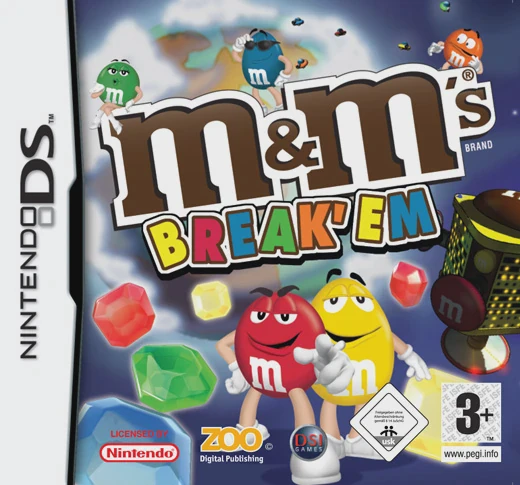
Game Details & Specifications
Specification | Details |
Title | M&M's Break-Up / M&M's Break 'Em |
Platform | Game Boy Advance (GBA) |
Developer / Publisher | Skyworks Interactive / Destination Software |
Release Date | North America: 2007 / Europe: 2007 |
Genre | Puzzle / Arcade / Block-Breaking |
File Size | 32 Mb (Approx. 4 MB) |
Recommended Emulators | VisualBoyAdvance (PC), My Boy! (Android), Delta (iOS) |
Key Features & Gameplay Mechanics
Block-Breaking Puzzle Action: Clear multi-colored M&M's candy blocks by shooting corresponding color-matched pieces to create chain reactions and clear the screen.
M&M's Brand Characters: Play alongside classic brand mascots Red, Yellow, Green, and Blue, complete with custom animations, voice clips, and comedic story cutscenes.
Power-Ups & Special Candy: Collect falling power-ups like wildcards, laser blasts, bomb candies, and row-clearers to wipe out large block formations quickly.
Boss Battles & Stage Variety: Features dozens of increasingly challenging puzzle levels alongside boss stages where you must match blocks under strict time limits to stop enemy machines.
Frequently Asked Questions (Q&A)
Q1: How do I clear blocks and trigger chain reactions?
A1: Aim and launch your candy piece using the D-Pad and press the A Button to shoot. Connecting three or more blocks of the same color causes them to break. Matching large clusters triggers chain reactions that destroy adjacent blocks and grant bonus points.
Q2: How do I switch the color of the current candy block I am holding?
A2: Press the B Button or L/R Shoulder Buttons to swap your active candy piece with the next candy piece in your queue, allowing you to plan better strategic color matches.
Q3: What are the main game modes available?
A3: The game features Story Mode (progressing through themed levels and boss fights), Endless Mode (survival puzzle challenge where blocks continuously descend), and Time Attack (clearing a fixed set of blocks as quickly as possible).
Q4: How do I beat the stage bosses?
A4: Bosses are protected by layers of moving candy blocks. Target the glowing weak spots or bomb blocks surrounding the boss by clearing path blocks first, then shoot explosive power-up candies directly into the boss mechanism.
Q5: What should I do if the ROM fails to save password/progress or displays a black screen?
A5: Configure your emulator's save hardware settings to SRAM / Flash 64K with auto-detection enabled. On physical GBA flashcarts (such as EZ-Flash or EverDrive), ensure you are using a clean, unpatched ROM file with default firmware settings.
Click the links below to go to the cloud drive download page
⚠️ Download Tips:
Major League Baseball 2K7 (MLB 2K7) is an officially lice...

Surf's Up is a side-scrolling sports action-platformer de...
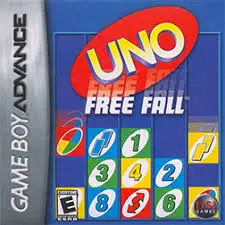
Free Fall is a casual arcade-style puzzle game developed ...
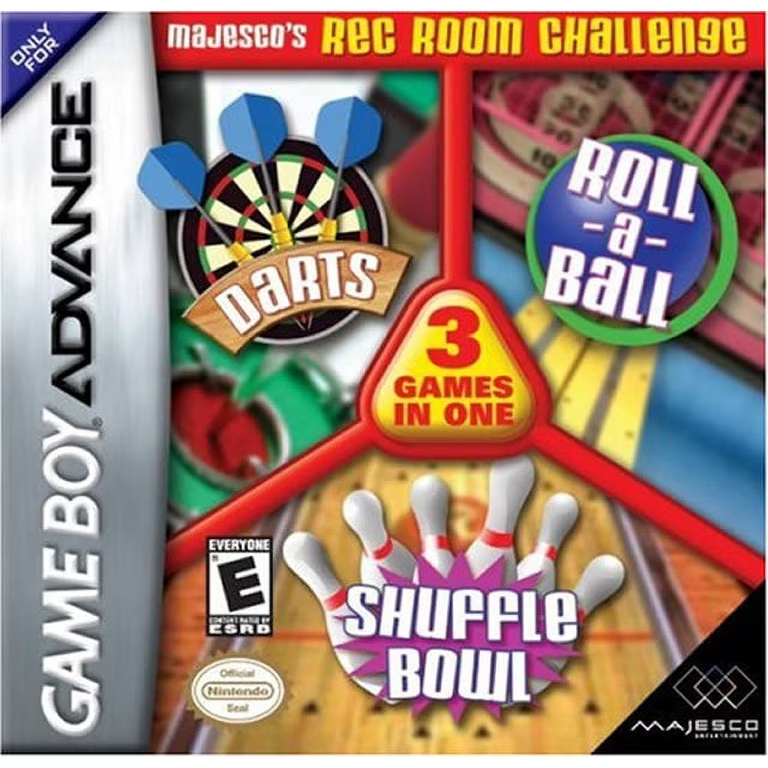
Majesco's Rec Room Challenge is a casual 3-in-1 parlor ga...
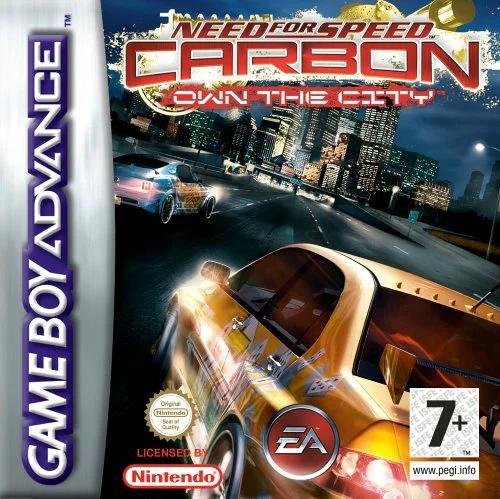
Need for Speed Carbon: Own the City is a high-octane stre...