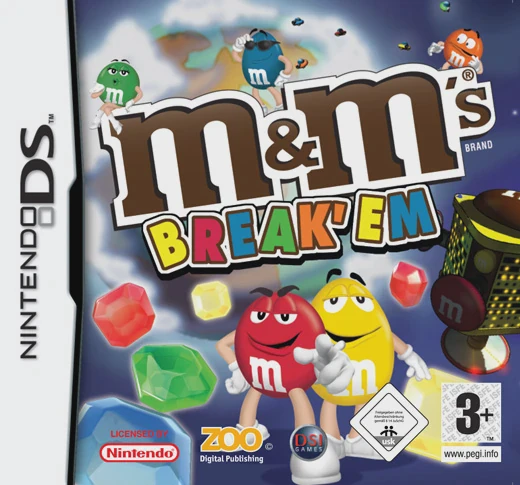
M&M's Break' Em
M&M's Break-Up (often cataloged as M&M's Break 'Em or M&M...

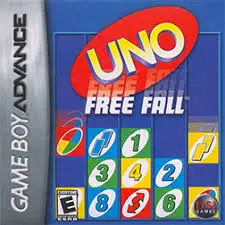
Game Details & Specifications
Specification | Details |
Title | Free Fall |
Platform | Game Boy Advance (GBA) |
Developer / Publisher | Skyworks Interactive / Destination Software |
Release Date | North America: 2007 |
Genre | Arcade / Puzzle |
File Size | 32 Mb (Approx. 4 MB) |
Recommended Emulators | VisualBoyAdvance (PC), My Boy! (Android), Delta (iOS) |
Key Features & Gameplay Mechanics
Classic Falling-Block Action: Guide and drop falling blocks or geometric shapes to form complete rows or matching color patterns to clear the grid.
Speed & Difficulty Progression: As you clear stages and score points, the fall speed of pieces ramps up, testing reflex speed and spatial planning.
Multiple Game Modes: Play through Classic Mode for progressive level climbing, Endless Mode for survival high-score chasing, or Time Attack for quick-play sessions.
Power-Ups & Score Multipliers: Trigger special wild-card blocks and multi-line clearance bonuses to wipe out stacked obstacles and boost overall points.
Frequently Asked Questions (Q&A)
Q1: How do I rotate and maneuver falling pieces quickly?
A1: Use the D-Pad Left/Right to shift pieces horizontally, press the A or B Buttons to rotate piece orientations, and hold D-Pad Down or press the Hard Drop Button to instantly drop pieces to the bottom of the grid.
Q2: How do I clear large stacks when the grid is nearly full?
A2: Focus on creating multi-line clearance chains or save special bomb/wildcard power-up blocks. Dropping power-ups onto high stacks detonates or clears surrounding blocks to give you breathing room.
Q3: Does the game support multiplayer battles on GBA?
A3: Free Fall focuses primarily on single-player arcade high-score progression and mode challenges tailored for portable solo play.
Q4: Is this game connected to other Skyworks arcade titles on GBA?
A4: Yes, Skyworks Interactive produced several classic handheld puzzle and arcade titles published by Destination Software during the late GBA lifecycle, emphasizing simple controls and clean arcade graphics.
Q5: What should I do if the ROM displays a black screen or fails to save high scores?
A5: Configure your emulator's save hardware type to SRAM or Flash 64K with auto-detection enabled. On hardware flashcarts (like EZ-Flash or EverDrive), ensure you are using a clean ROM dump and that automatic SRAM patching is active.
Click the links below to go to the cloud drive download page
⚠️ Download Tips:
M&M's Break-Up (often cataloged as M&M's Break 'Em or M&M...
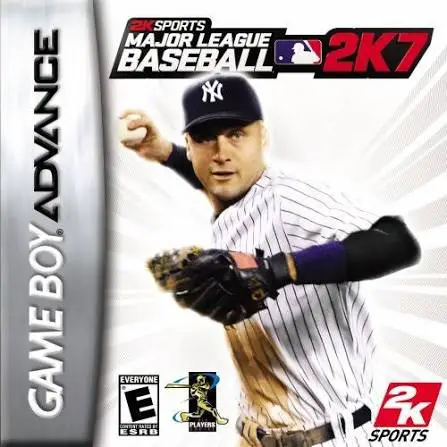
Major League Baseball 2K7 (MLB 2K7) is an officially lice...
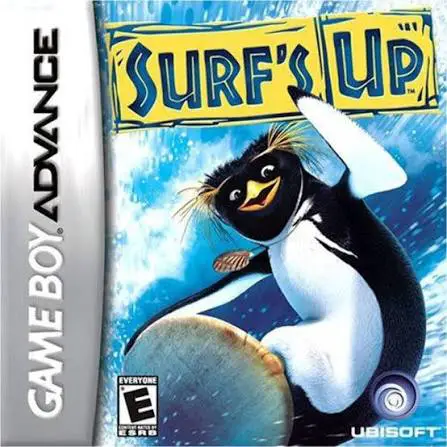
Surf's Up is a side-scrolling sports action-platformer de...
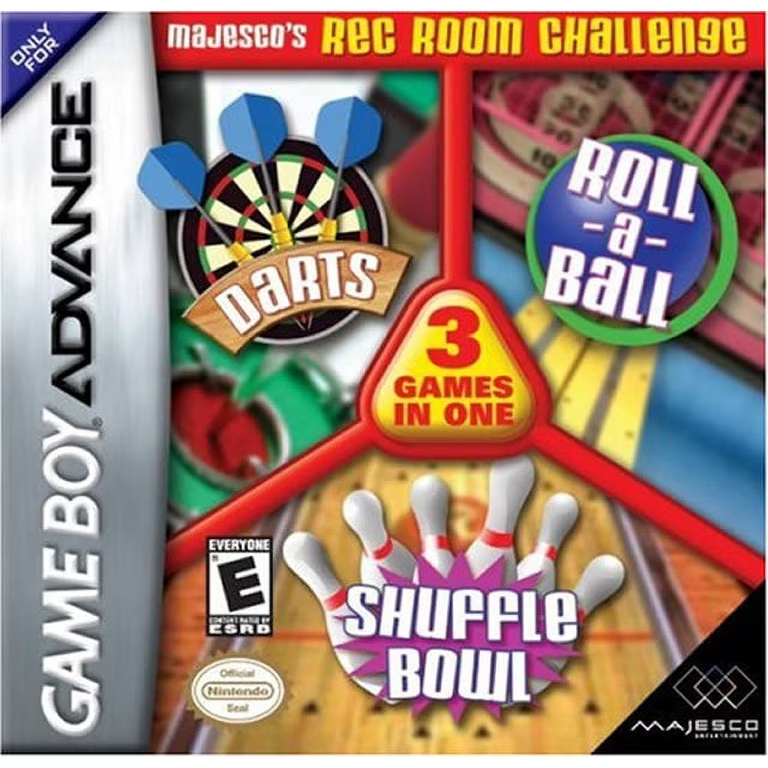
Majesco's Rec Room Challenge is a casual 3-in-1 parlor ga...
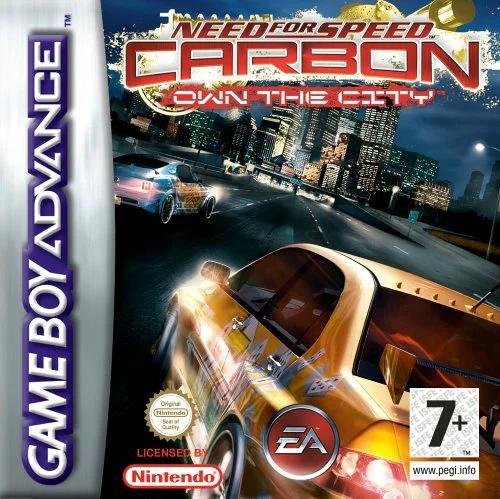
Need for Speed Carbon: Own the City is a high-octane stre...