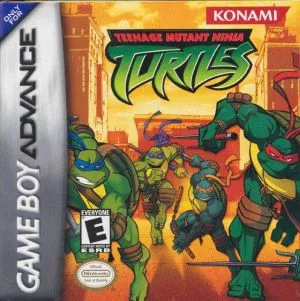
Teenage Mutant Ninja Turtles
Teenage Mutant Ninja Turtles (TMNT) is a side-scrolling b...

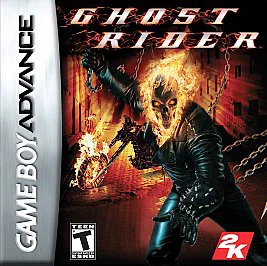
Game Details & Specifications
Specification | Details |
Title | Ghost Rider |
Platform | Game Boy Advance (GBA) |
Developer / Publisher | Magic Pockets / 2K Games |
Release Date | North America: February 13, 2007 / Europe: February 2007 |
Genre | Side-Scrolling Action / Beat 'Em Up |
File Size | 64 Mb (Approx. 8 MB) |
Recommended Emulators | VisualBoyAdvance (PC), My Boy! (Android), Delta (iOS) |
Key Features & Gameplay Mechanics
Dual Stage Formats: Features 2D side-scrolling brawling stages mixed with fast-paced pseudo-3D Hellcycle driving sequences.
Combo & Upgrade System: Earn experience points by defeating demonic henchmen to unlock new martial arts combos, extended chain whip attacks, and special Hellfire moves.
Hellcycle Combat: Ride the Hellcycle at top speeds down twisted highways while shooting Hellfire blasts forward and whipping side-riding enemies off their bikes.
Iconic Marvel Villains: Battle a classic Marvel rogues' gallery of bosses including Blackheart, Vengeance, Scarecrow, Lilith, and Mephisto.
Frequently Asked Questions (Q&A)
Q1: How do I upgrade Ghost Rider's attacks and combo moves?
A1: Collect soul experience points from defeated enemies and broken level objects. Between stages, access the upgrade menu to spend points on unlocking new Hellfire moves, longer chain combos, and increased damage output.
Q2: How do controls work during motorcycle driving stages?
A2: Steer your Hellcycle using the D-Pad, press A to shoot forward Hellfire projectiles at incoming obstacles, and press B or L/R to whip enemies attempting to sideswipe you.
Q3: What are the main differences between the GBA version and console versions?
A3: While PS2 and PSP versions feature 3D action-adventure gameplay, the GBA version was designed by Magic Pockets as a 2D side-scrolling beat 'em up featuring custom sprite graphics and sprite-scaling pseudo-3D motorcycle racing.
Q4: How do I handle heavy shield-bearing demons and armored bosses?
A4: Standard light strikes will bounce off heavy shields. Use jump-attacks, dodge behind enemies when they strike, or use your Hellfire chain to pull enemies in before launching high-damage combo moves.
Q5: What should I do if the ROM displays a black screen or fails to save progress?
A5: Ensure your emulator's save hardware type is set to EEPROM or Flash 64K/128K with auto-detection enabled. On physical GBA flashcarts (such as EZ-Flash or EverDrive), verify that you are using an uncorrupted ROM dump with updated system firmware.
Click the links below to go to the cloud drive download page
⚠️ Download Tips:
Teenage Mutant Ninja Turtles (TMNT) is a side-scrolling b...
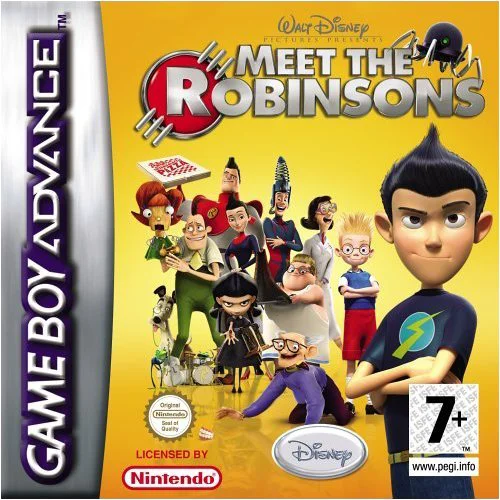
Meet the Robinsons is an action-adventure platformer deve...
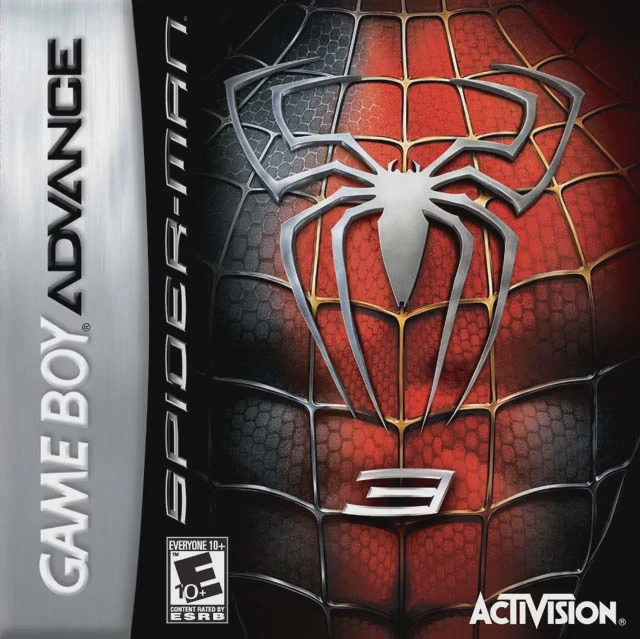
Spider-Man 3 is a side-scrolling action-platformer develo...
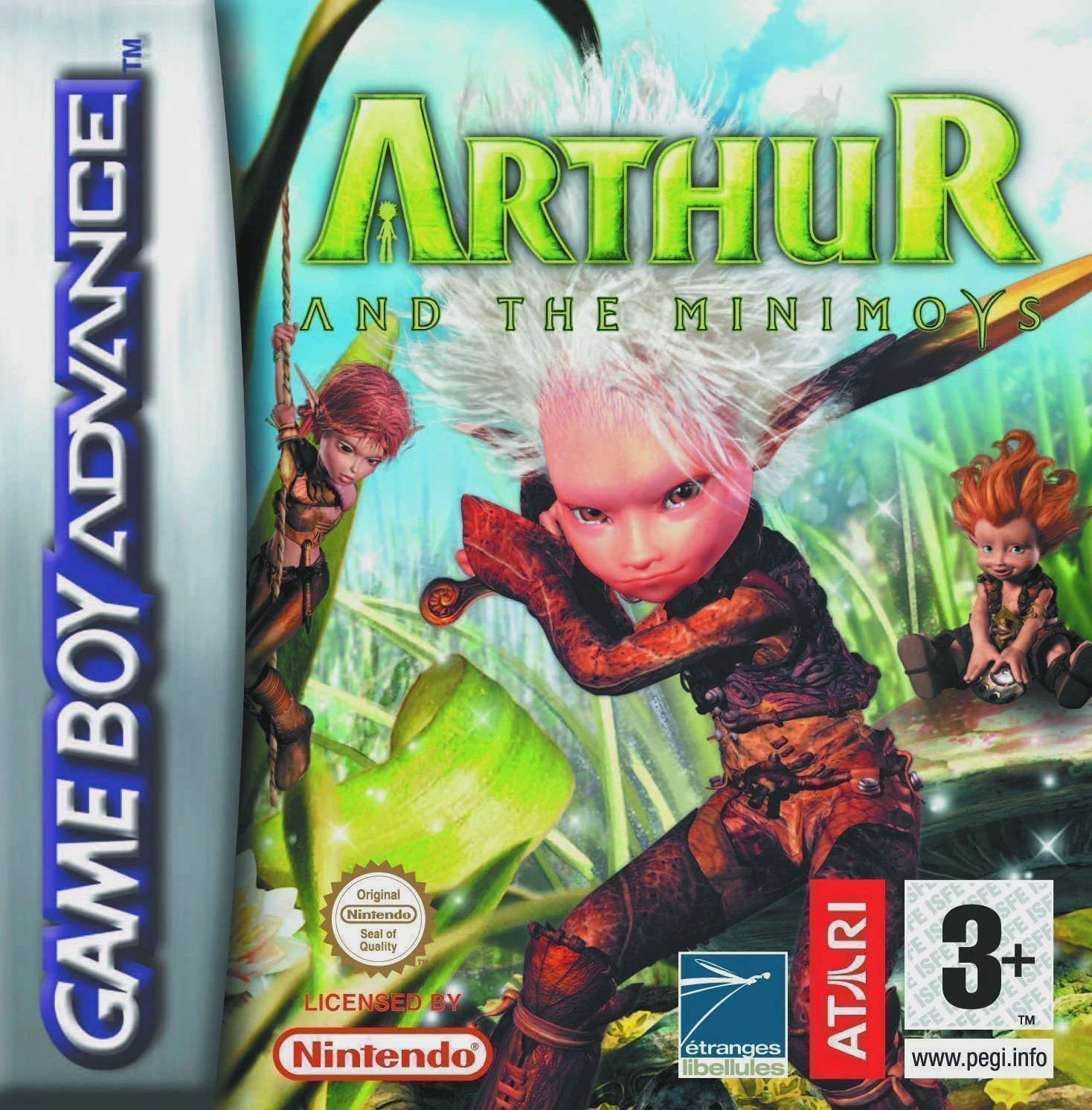
Arthur and the Invisibles (released in Europe as Arthur a...

Bratz Babyz: High Stylin' is a casual adventure and mini-...