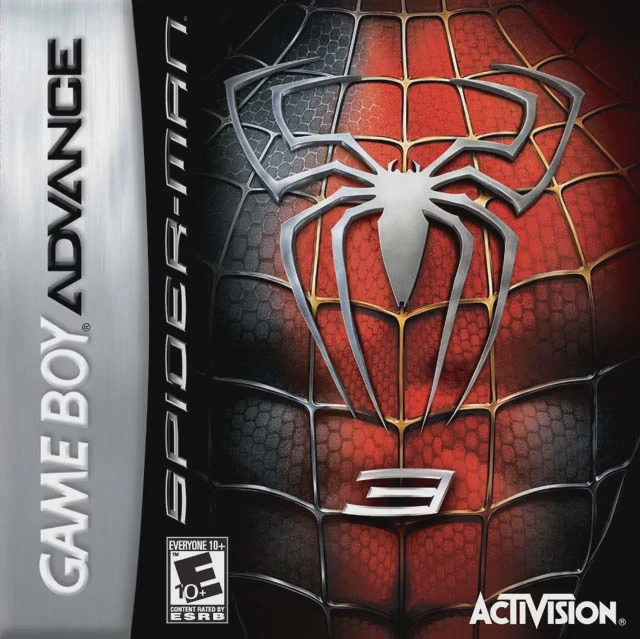
Spider-Man 3
Spider-Man 3 is a side-scrolling action-platformer develo...

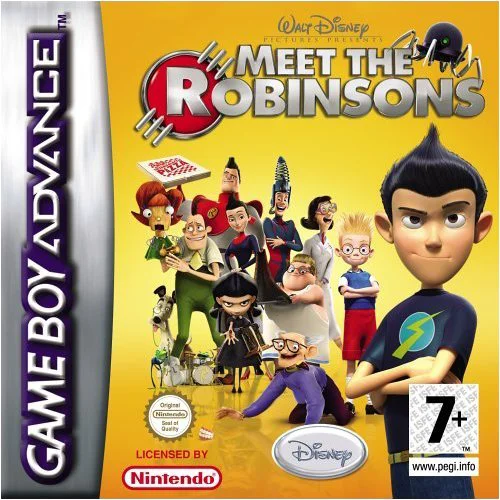
Game Details & Specifications
Specification | Details |
Title | Meet the Robinsons |
Platform | Game Boy Advance (GBA) |
Developer / Publisher | Avalanche Software / Disney Interactive Studios |
Release Date | North America: March 27, 2007 / Europe: April 13, 2007 |
Genre | Action / Adventure / Platformer |
File Size | 64 Mb (Approx. 8 MB) |
Recommended Emulators | VisualBoyAdvance (PC), My Boy! (Android), Delta (iOS) |
Key Features & Gameplay Mechanics
Gadget-Based Gameplay: Utilize futuristic inventions like the Disassembler Ray, Chargeball Glove, and Scanner to dismantle enemy robots, solve environmental puzzles, and reveal hidden passages.
Time-Traveling Storyline: Journey across distinct time periods—from Wilbur’s retro-futuristic world to Ancient Egypt and alternate timeline futures—to foil Bowler Hat Guy's schemes.
Puzzle & Action Blend: Combines side-scrolling platforming challenges with interactive gadget-based puzzles, requiring clever use of inventory tools to clear paths.
Chargeball Mini-Game: Features the standalone Chargeball futuristic sports mini-game, allowing players to compete against various characters from the film.
Frequently Asked Questions (Q&A)
Q1: How do I switch gadgets and select tools during a mission?
A1: Open your inventory menu by pressing the SELECT Button or use the L/R Shoulder Buttons to cycle quickly between active gadgets. Choose the appropriate tool (such as the Disassembler Ray to break down metal obstacles or the Scanner to reveal hidden code switches).
Q2: How do I defeat Bowler Hat Guy's Doris (DOR-15) hat drones?
A2: Standard physical attacks cannot destroy flying Doris drones. Use the Disassembler Ray to strip their outer energy shields, then blast them with charged energy shots from your main weapon while dodging their laser bursts.
Q3: What are the main differences between the GBA version and console releases?
A3: The GBA version is a custom 2D side-scrolling action platformer created specifically for handheld systems rather than a 3D third-person adventure. It focuses heavily on sprite-based platforming, inventory puzzles, and exclusive handheld minigames.
Q4: How do I unlock new gadget upgrades and Chargeball courts?
A4: Search levels thoroughly for hidden blueprints, energy components, and Robinson family logo coins. Collecting these items allows you to upgrade your gadget efficiency and unlock new opponents in Chargeball mode.
Q5: What should I do if the ROM fails to save progress or displays a blank screen?
A5: Ensure your emulator's save hardware type is configured to EEPROM or Flash 64K/128K with auto-detection enabled. For physical GBA flashcarts (such as EZ-Flash or EverDrive), verify that you are using a clean, unpatched ROM dump and updated firmware.
Click the links below to go to the cloud drive download page
⚠️ Download Tips:
Spider-Man 3 is a side-scrolling action-platformer develo...
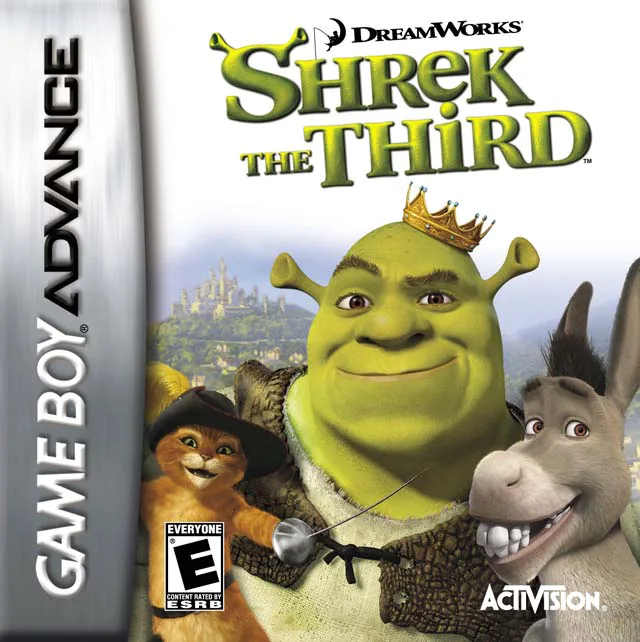
Shrek the Third is an action-platformer developed by Vica...
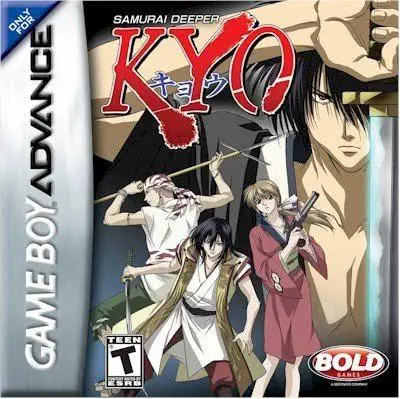
Samurai Deeper Kyo is a side-scrolling action role-playin...
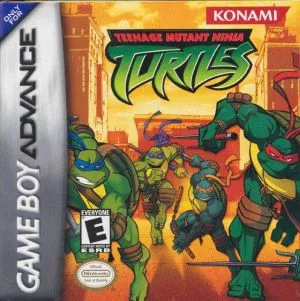
Teenage Mutant Ninja Turtles (TMNT) is a side-scrolling b...
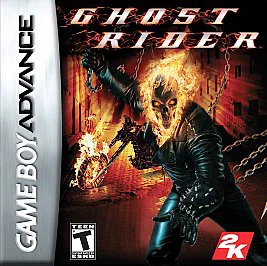
Ghost Rider is a side-scrolling beat 'em up action game d...