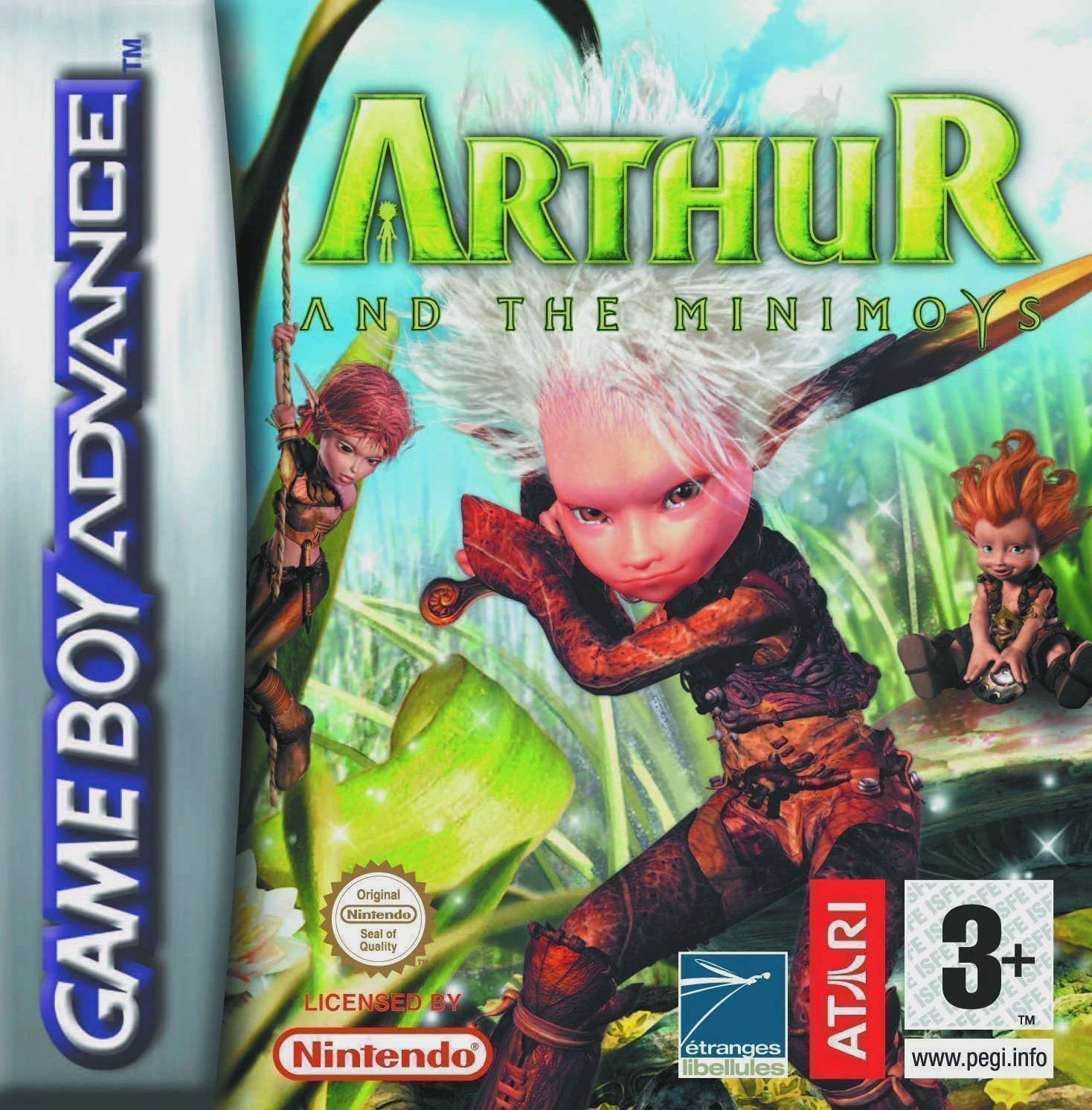
Arthur and the Invisibles
Arthur and the Invisibles (released in Europe as Arthur a...

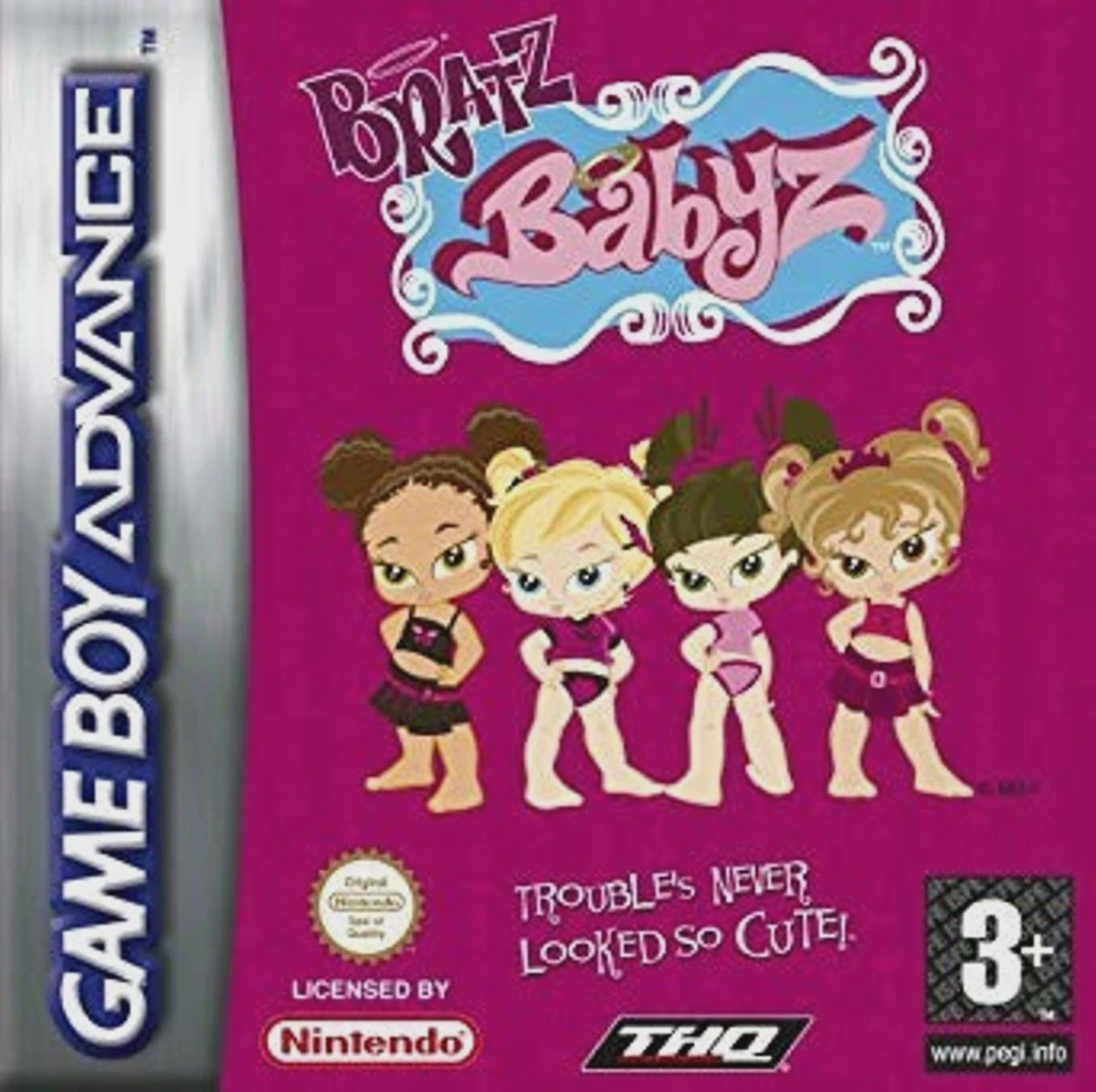
Game Details & Specifications
Specification | Details |
Title | Bratz Babyz: High Stylin' |
Platform | Game Boy Advance (GBA) |
Developer / Publisher | Artificial Mind and Movement / THQ |
Release Date | North America: October 3, 2006 / Europe: November 10, 2006 |
Genre | Adventure / Party / Mini-Games |
File Size | 32 Mb (Approx. 4 MB) |
Recommended Emulators | VisualBoyAdvance (PC), My Boy! (Android), Delta (iOS) |
Key Features & Gameplay Mechanics
Playable Babyz Cast: Switch between Cloe, Jade, Sasha, and Yasmin, each featuring distinct fashion wardrobes and special personality traits.
Mall & Daycare Exploration: Explore interactive environments including daycare rooms, playparks, and local mall boutiques to collect tokens and items.
Variety of Mini-Games: Features engaging arcade-style activities, including food fights, karaoke rhythm challenges, fashion shows, and obstacle navigation.
Fashion & Accessory Wardrobe: Purchase and unlock custom outfits, shoes, hair accessories, and diaper pins at the mall shops using earned mini-game tokens.
Frequently Asked Questions (Q&A)
Q1: How do I earn tokens to buy new clothes and accessories?
A1: Complete mini-games scattered throughout the daycare center and mall areas. Scoring high in challenges like the food fight or rhythm game rewards you with shopping tokens.
Q2: How do I switch between the different Bratz Babyz characters?
A2: You can switch active characters during free-roam mode by interacting with the character swap locations in the daycare main room or selecting them prior to starting specific story missions.
Q3: What is the main objective of the story mode?
A3: The main storyline revolves around helping the Bratz Babyz retrieve Snaps the puppy, who was taken by a bully at the mall, by completing tasks and winning various mall competitions.
Q4: Is this game related to Bratz: Rock Angelz or Bratz: Forever Diamondz on GBA?
A4: Yes, it is part of THQ's handheld Bratz series on the GBA, but focuses specifically on the "Babyz" spin-off franchise with toddler-themed visuals and simplified mini-game controls.
Q5: What should I do if the ROM displays a black screen or fails to save progress?
A5: Configure your emulator's save hardware settings to SRAM / Flash 64K with auto-detection enabled. On physical GBA flashcarts (such as EZ-Flash or EverDrive), verify that you are using a clean, unpatched ROM dump with updated system firmware.
Click the links below to go to the cloud drive download page
⚠️ Download Tips:
Arthur and the Invisibles (released in Europe as Arthur a...
Ghost Rider is a side-scrolling beat 'em up action game d...
Teenage Mutant Ninja Turtles (TMNT) is a side-scrolling b...
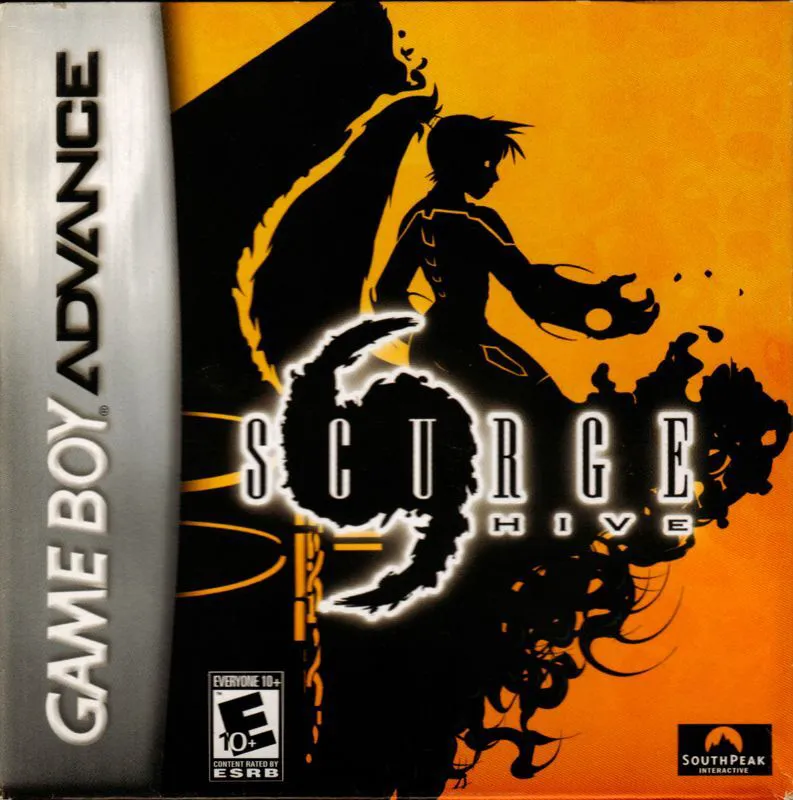
Scurge: Hive is an isometric action-adventure game for th...
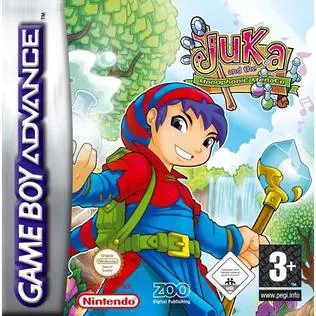
Juka and the Monophonic Menace is an isometric action-adv...