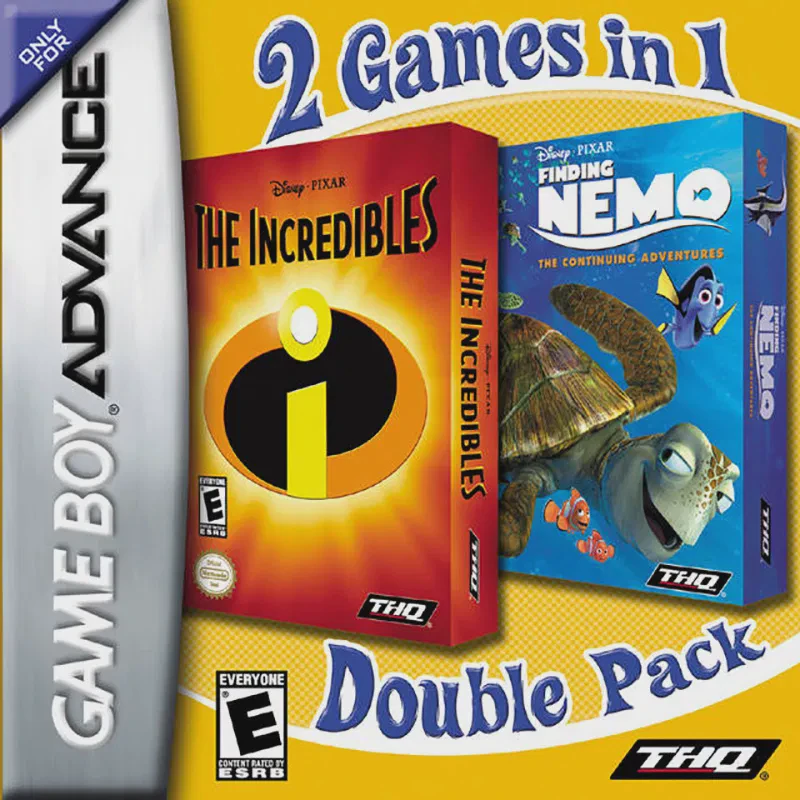
2 Games in 1: The Incredi...
2 Games in 1: The Incredibles & Finding Nemo (also known ...

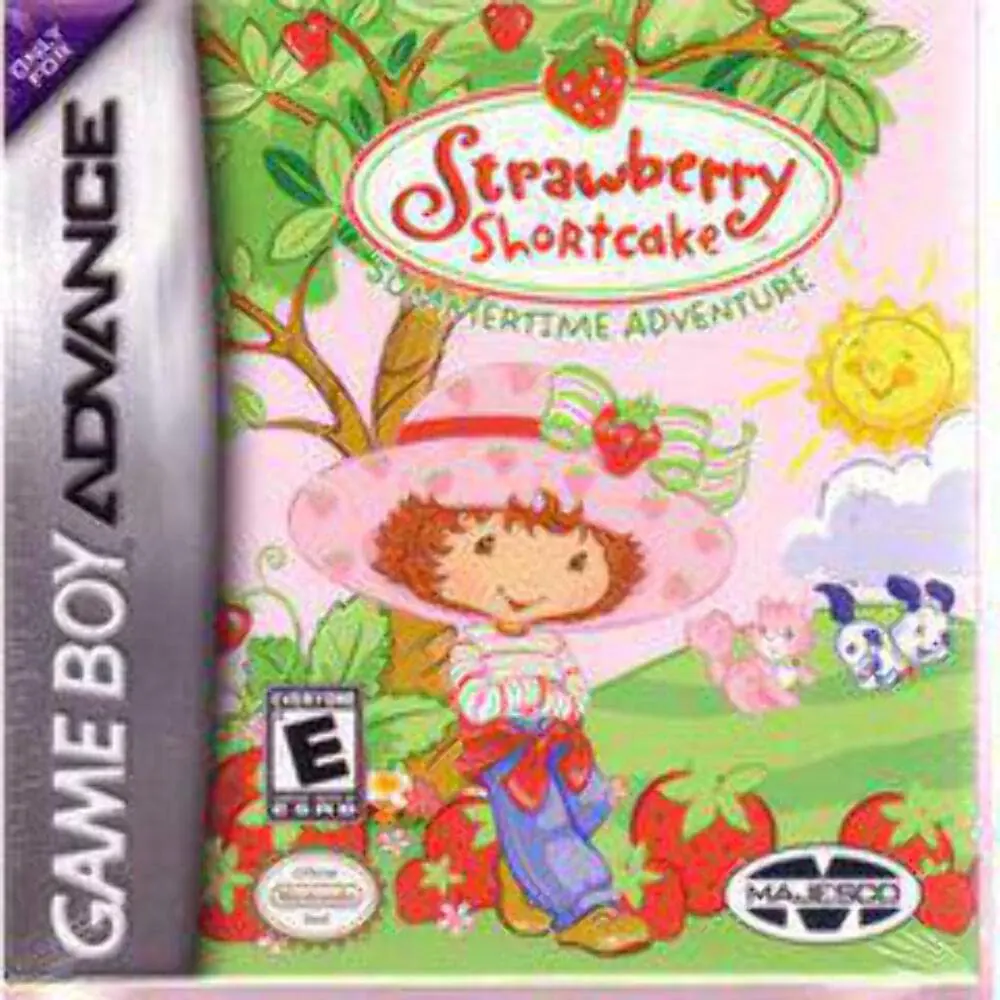
Game Details & Specifications
Specification | Details |
Title | Strawberry Shortcake: Summertime Adventure |
Platform | Game Boy Advance (GBA) |
Developer / Publisher | Gorilla Systems / Majesco Entertainment |
Release Date | North America: February 2004 / Europe: October 2004 |
Genre | Platformer / Adventure / Mini-Games |
File Size | 32 Mb (Approx. 4 MB) |
Recommended Emulators | VisualBoyAdvance (PC), My Boy! (Android), Delta (iOS) |
Key Features & Gameplay Mechanics
Bright Side-Scrolling Platforming: Navigate through colorful environments across Strawberry Land, including gardens, cookie factories, and orchards.
Ingredient & Recipe Collection: Collect strawberries, berries, sugar, and baking supplies hidden across levels to create delicious summer recipes.
Fun Mini-Games: Participate in engaging activity-based mini-games, including baking cakes, berry picking, and garden care challenges.
Kid-Friendly Difficulty: Designed with forgiving checkpoint placements, simple controls, and non-violent gameplay tailored for younger players.
Frequently Asked Questions (Q&A)
Q1: How do I collect missing ingredients in each area?
A1: Explore every platforming route in each stage. Use jumps (A Button) to reach high ledges and floating platforms where baking ingredients and bonus berries are hidden.
Q2: How do I unlock new recipes in the bakery kitchen?
A2: Collect all required baking ingredients scattered across the main story stages. Once you have gathered sufficient supplies, visit the kitchen menu to unlock and prepare new treats.
Q3: Can you play as any other characters besides Strawberry Shortcake?
A3: You control Strawberry Shortcake throughout the main adventure, but you will interact with popular friends like Angel Cake, Ginger Snap, and Apple Dumplin' as story non-player characters during events and minigames.
Q4: Is there a password system or automatic saving in the game?
A4: The game uses an internal save system to automatically record level completion, unlocked recipes, and collected berries after every stage.
Q5: What should I do if the ROM displays a black screen or fails to save progress?
A5: Set your emulator's save hardware type to SRAM / Flash 64K with auto-detection enabled. On physical GBA flashcarts (such as EZ-Flash or EverDrive), verify that you are using a clean, unpatched ROM dump with updated system firmware.
Click the links below to go to the cloud drive download page
⚠️ Download Tips:
2 Games in 1: The Incredibles & Finding Nemo (also known ...
Crash of the Titans is an action-platformer developed by ...
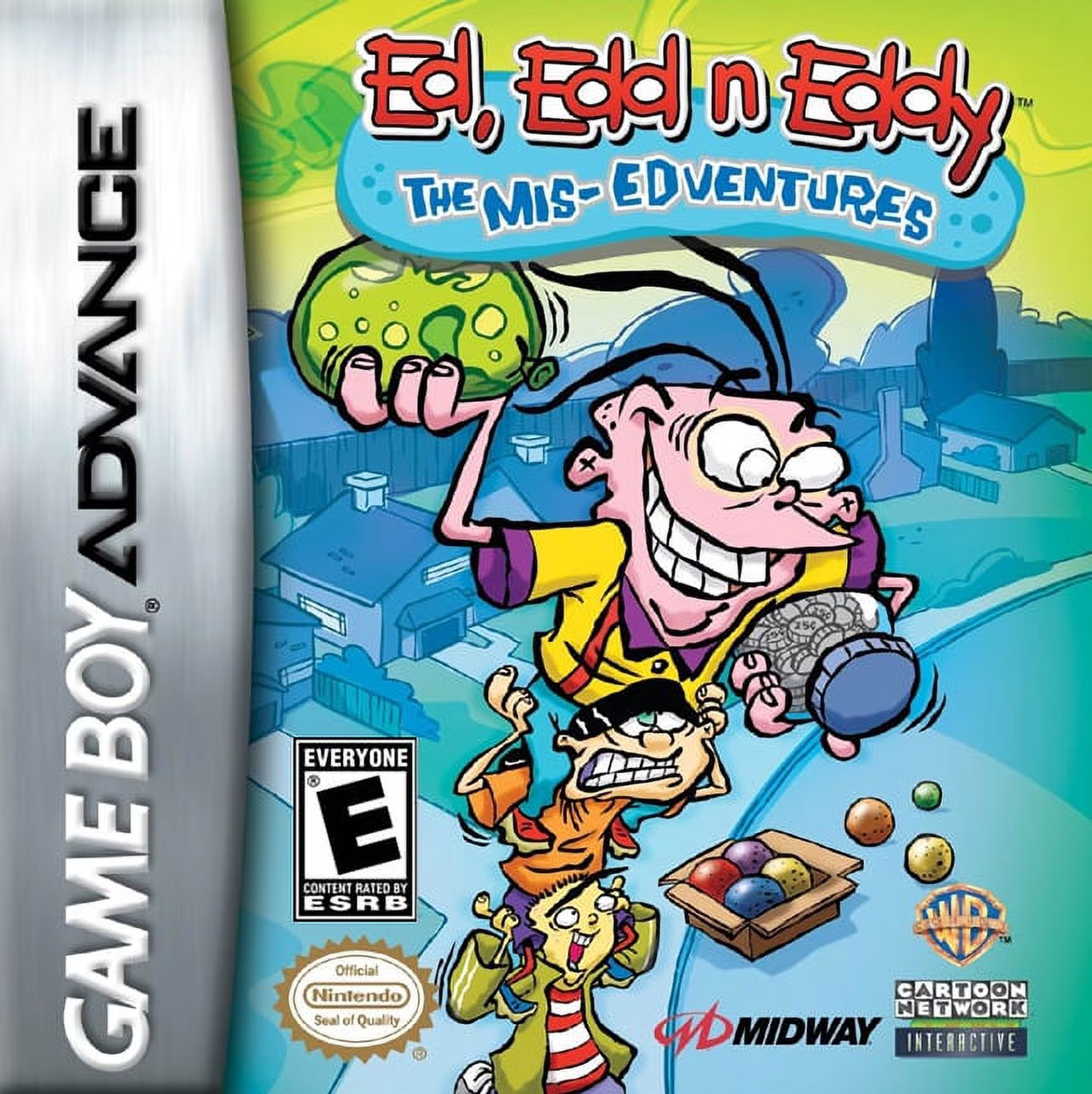
Ed, Edd n Eddy: The Mis-Edventures is a side-scrolling ac...
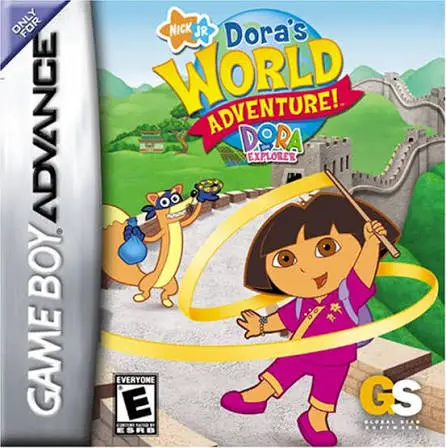
Dora the Explorer: Dora's World Adventure! brings Nick Jr...
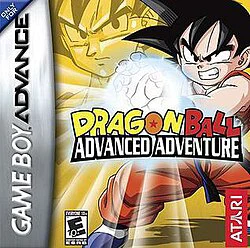
Embark on an epic martial arts journey from the very begi...