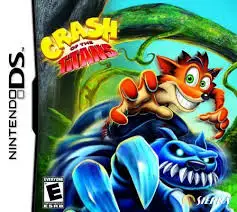
Crash of the Titans
Crash of the Titans is an action-platformer developed by ...

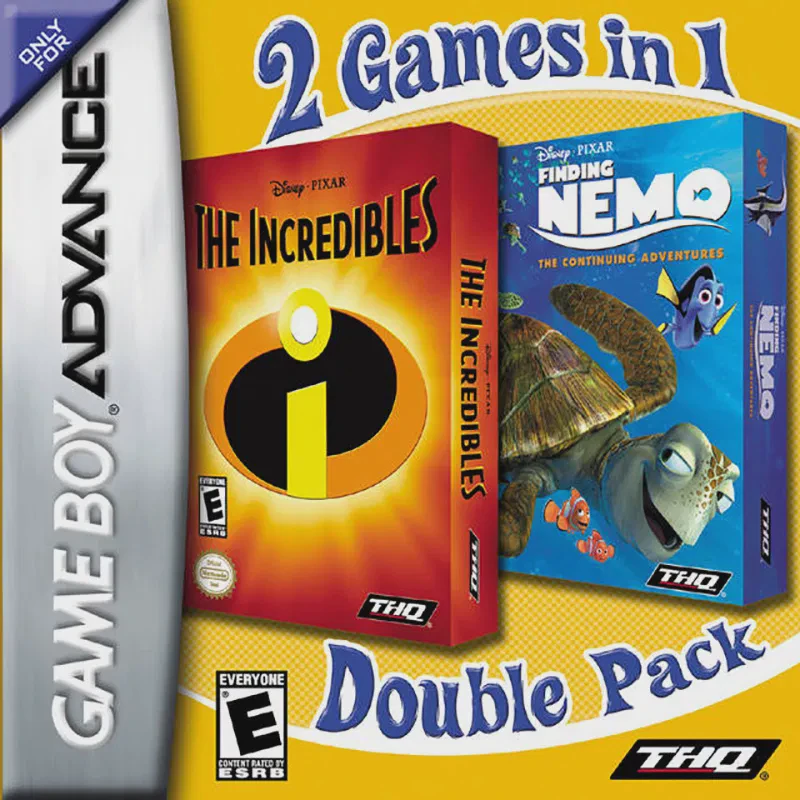
Game Details & Specifications
Specification | Details |
Title | 2 Games in 1: The Incredibles & Finding Nemo |
Platform | Game Boy Advance (GBA) |
Developer / Publisher | Helixe / Altron / THQ |
Release Date | North America: February 27, 2007 / Europe: 2007 |
Genre | Compilation / Action / Platformer |
File Size | 64 Mb (Approx. 8 MB) |
Recommended Emulators | VisualBoyAdvance (PC), My Boy! (Android), Delta (iOS) |
Key Features & Gameplay Mechanics
Two Full Pixar Games on One Cartridge: Features a boot selection menu that lets players launch either The Incredibles or Finding Nemo directly from startup.
The Incredibles (Superhero Beat 'Em Up): Play as Mr. Incredible, Elastigirl, Dash, and Violet across various stages. Utilize individual superpower abilities—such as super strength, stretching, high-speed dash attacks, and force field generation—to battle Syndrome's Omnidroids and henchmen.
Finding Nemo (Underwater Adventure): Control Marlin, Dory, and Nemo as you navigate through deep-sea reefs, minefields, jellyfish swarms, and ocean currents while completing puzzle challenges and mini-games to reach Sydney Harbor.
Diverse Gameplay Styles: Seamlessly balances side-scrolling combat and platforming (The Incredibles) with 360-degree underwater navigation, swimming mechanics, and reflex challenges (Finding Nemo).
Frequently Asked Questions (Q&A)
Q1: How do I select which game to play when starting up the cartridge?
A1: When the Game Boy Advance powers on, a custom splash menu appears asking you to choose between The Incredibles and Finding Nemo. Use the D-Pad to highlight your chosen game and press the A Button to boot into that title. To switch games, restart your system or reset the emulator.
Q2: What special superpower moves can I use in The Incredibles?
A2: Controls vary by character: Mr. Incredible uses heavy ground-slams and object throws (B Button); Elastigirl stretches across gaps and grapples targets (A/B Combos); Dash runs across water and triggers hyper-speed combos; and Violet activates temporary invisibility or protective force fields (R Button).
Q3: How do I beat the jellyfish current level in Finding Nemo?
A3: In the jellyfish forest stage, avoid touching the glowing tentacles to prevent taking damage and losing speed. Tap the A Button in rhythm to keep Nemo and Dory bouncing off the top caps of the jellyfish, using the directional pad to maneuver toward current boosts.
Q4: Do progress and save files remain separate for both games?
A4: Yes, the cartridge manages independent save spaces for each game. Progress in The Incredibles and completion stats in Finding Nemo are recorded into separate save slots without overwriting each other.
Q5: What should I do if the ROM shows a black screen or fails to save?
A5: Configure your emulator's save hardware settings to EEPROM or Flash 64K/128K with auto-detection enabled. On physical GBA flashcarts (such as EZ-Flash or EverDrive), ensure you are running a clean, unpatched ROM dump with up-to-date firmware.
Click the links below to go to the cloud drive download page
⚠️ Download Tips:
Crash of the Titans is an action-platformer developed by ...
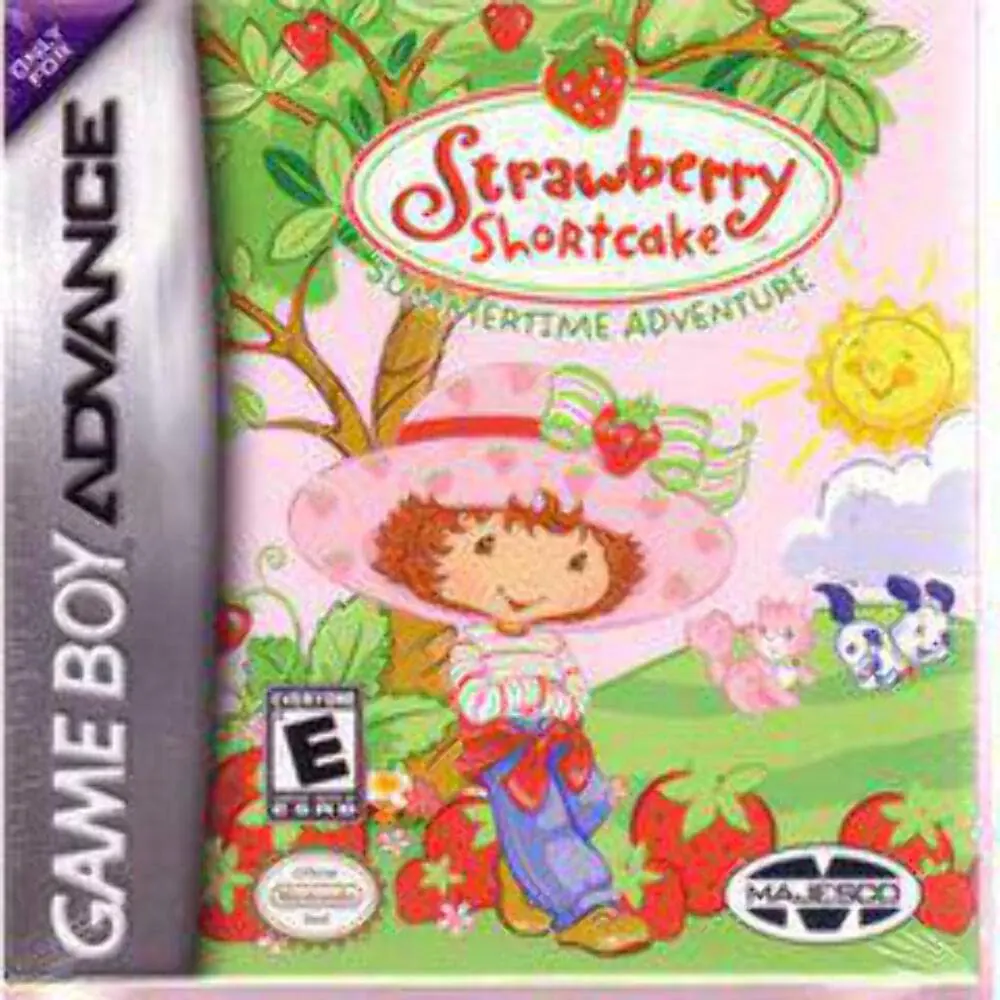
Strawberry Shortcake: Summertime Adventure is a side-scro...
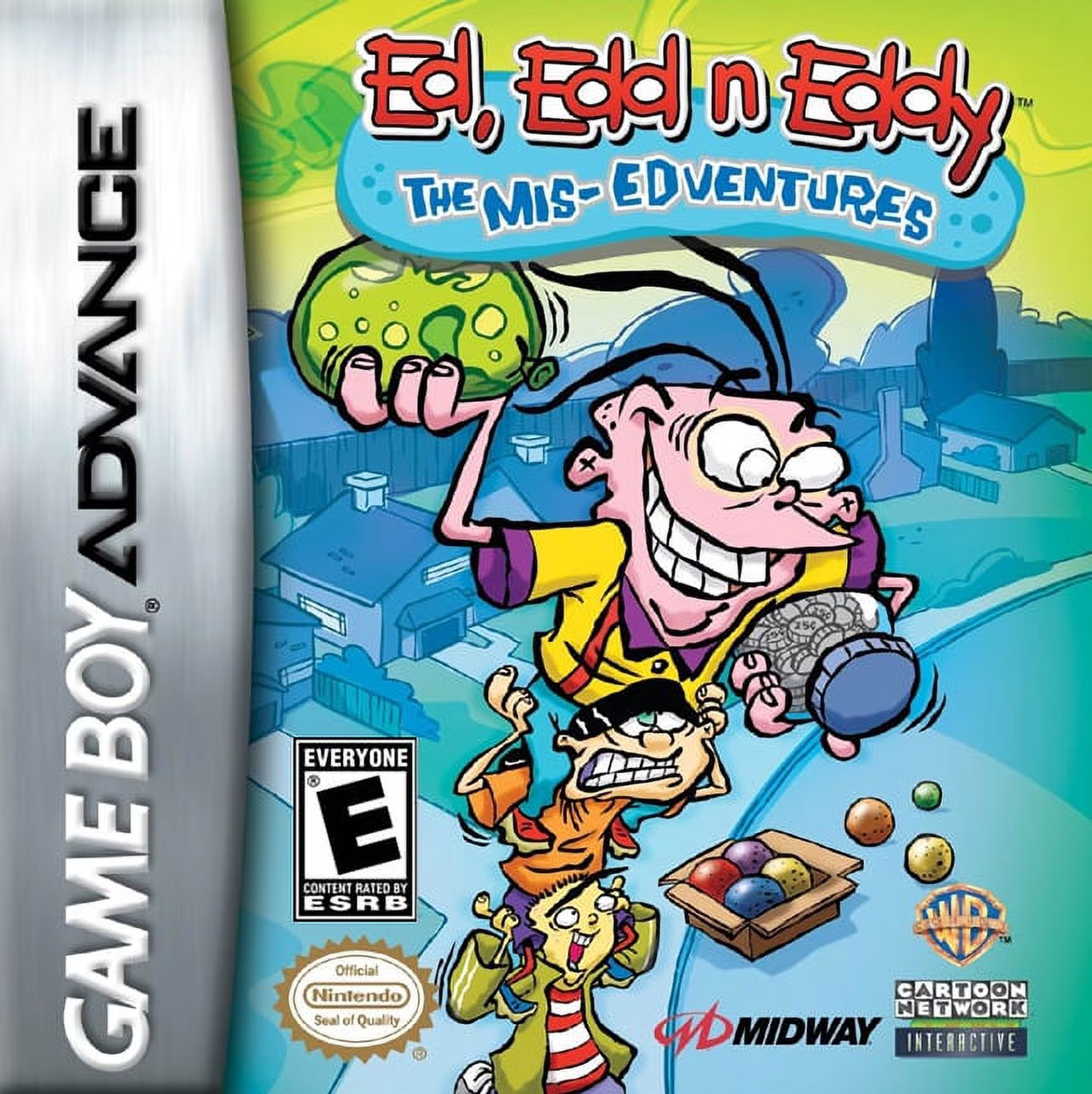
Ed, Edd n Eddy: The Mis-Edventures is a side-scrolling ac...
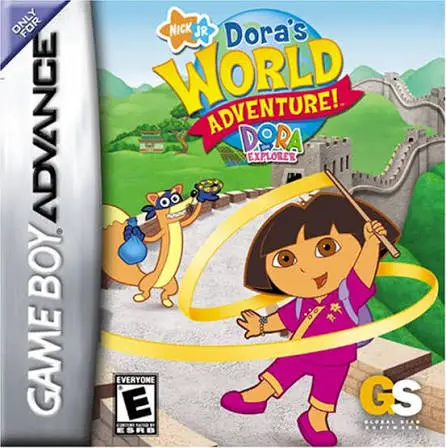
Dora the Explorer: Dora's World Adventure! brings Nick Jr...
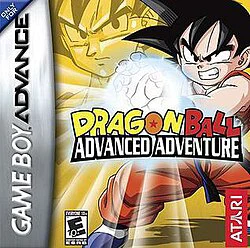
Embark on an epic martial arts journey from the very begi...