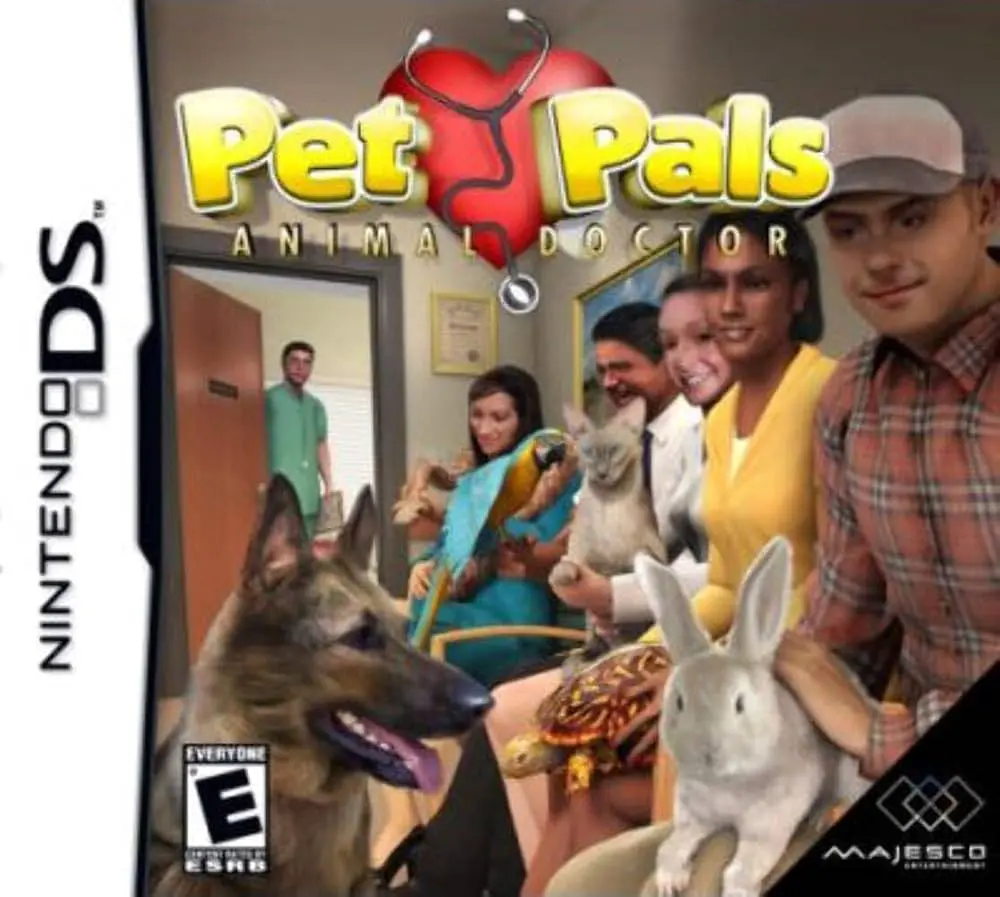
Pet Pal: Animal Doctor
Pet Pal: Animal Doctor (also released as Paws & Claws: Pe...

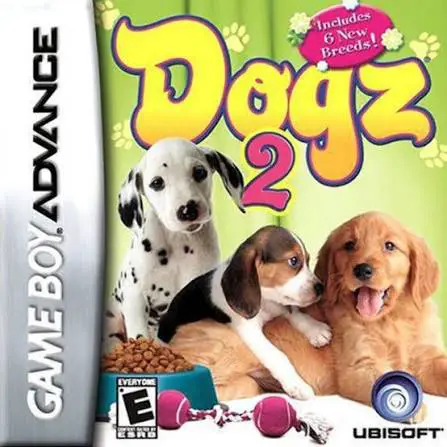
Game Details & Specifications
Specification | Details |
Title | Dogz 2 |
Platform | Game Boy Advance (GBA) |
Developer / Publisher | MTO / Ubisoft |
Release Date | North America: April 3, 2007 / Europe: March 9, 2007 |
Genre | Virtual Pet / Simulation |
File Size | 32 Mb (Approx. 4 MB) |
Recommended Emulators | VisualBoyAdvance (PC), My Boy! (Android), Delta (iOS) |
Key Features & Gameplay Mechanics
Breed Selection & Customization: Choose from a wide selection of popular dog breeds, give your puppy a custom name, and outfit them with unlockable clothing and accessories.
Daily Nurturing Routines: Feed, groom, wash, and walk your dog to build affection, keep health and happiness meters high, and strengthen your bond.
Trick Training & Agility: Teach your puppy new commands and trick routines using precise button inputs to prepare them for local pet shows and agility competitions.
Room Customization & Mini-Games: Complete fun mini-games to earn coins, allowing you to buy furniture, toys, room themes, and treats from the in-game shop.
Frequently Asked Questions (Q&A)
Q1: How do I increase my puppy's happiness and bond level?
A1: Keep a regular daily care schedule. Feed your puppy when hungry, brush its coat when dirty, play with toys, and take it on frequent walks around the neighborhood.
Q2: How do I earn coins to buy new items, clothes, and furniture?
A2: Participate in and win various mini-games and trick talent competitions. Placing high in events awards you with coins to spend at the pet shop.
Q3: What is the main difference between Dogz and Dogz 2 on the GBA?
A3: Dogz 2 is an expanded follow-up featuring updated graphics, an expanded selection of puppy breeds, new mini-games, more room customization items, and refined training controls.
Q4: Can you adopt more than one dog in the game?
A4: Yes, as you progress and raise your initial puppy successfully, you can unlock additional kennel slots to adopt and care for multiple dogs.
Q5: What should I do if the ROM fails to save progress or shows a black screen?
A5: Ensure your emulator's save hardware type is set to FLASH 64K / FLASH 128K or Auto-Detect. For physical hardware flashcarts (like EZ-Flash or EverDrive), make sure you are running a clean, unpatched ROM dump with updated firmware.
Click the links below to go to the cloud drive download page
⚠️ Download Tips:
Pet Pal: Animal Doctor (also released as Paws & Claws: Pe...
Drake & Josh is an action-adventure video game developed ...
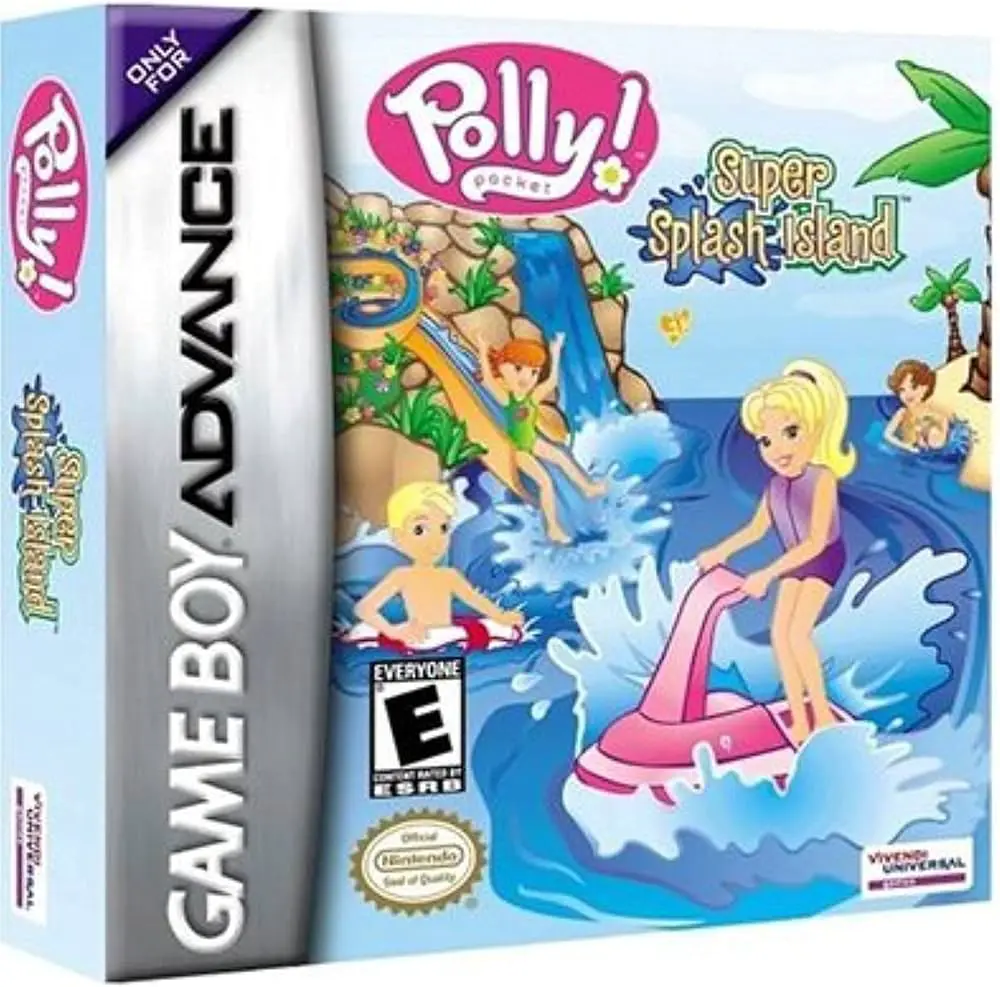
Polly Pocket: Super Model (often referred to as Polly Poc...
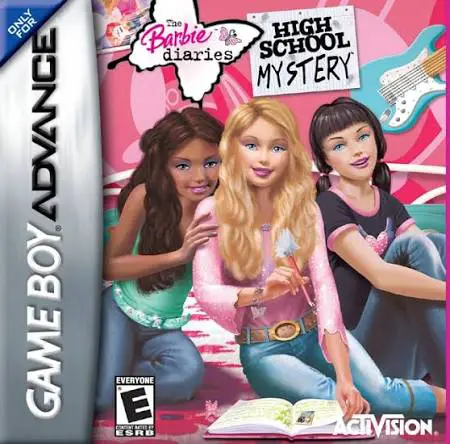
The Barbie Diaries: High School Mystery on the Game Boy A...
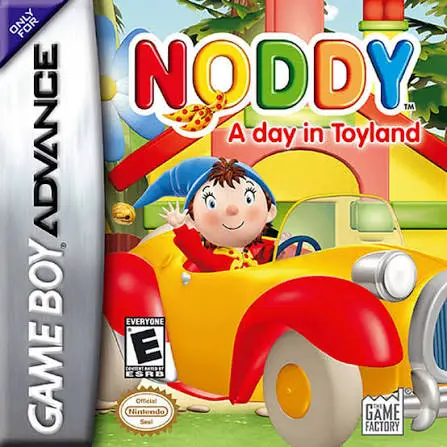
Noddy: A Day in Toyland brings Enid Blyton's beloved chil...